County of Fortune: How to Trade More Than One Good Between Regions
Direct answer · November 13, 2026 player-confirmed arrow edit and developer demo FAQ context
Add another good by clicking the large arrow on the existing origin-to-destination map route; do not create a duplicate route. The original player confirmed this opens the route’s goods list.
Jump straight to the steps ↓THE TASK
How to Trade More Than One Good Between Regions
- 01
Open Trade with T or the top-left trade control (developer-documented in the demo FAQ), then find the existing arrow between the SAME origin and destination on the map. Do not select New Trade if a route already connects them.
- 02
Click the large arrow drawn on that existing route on the map. This was the missing interaction confirmed by the original player after trying New Trade again.
- 03
Add the additional goods through the opened existing route, then inspect its goods list and shipment settings. Do not confuse editing a route with establishing a second route.
IMPORTANT LIMITS
What if your result is different?
The player confirmed editing by clicking the large existing-route arrow, but no source verifies the full current-build cargo-slot labels, universal route capacity or every shipment outcome; do not invent one.
EVIDENCE
Sources for How to Trade More Than One Good Between Regions
- Original player question and replies: How to Trade More Than One Good Between Regions
- County of Fortune on Steam
Evidence and version: November 13, 2026 player-confirmed arrow edit and developer demo FAQ context
The missing UI interaction: edit the route arrow
The original player tried adding a new trade route but received a message that a route already existed between those regions. The discussion eventually resolved the question: click the big arrow of the existing trade route on the map. That is the practical way to reach its settings and add a different good; repeatedly choosing New Trade simply attempts to create a duplicate connection.
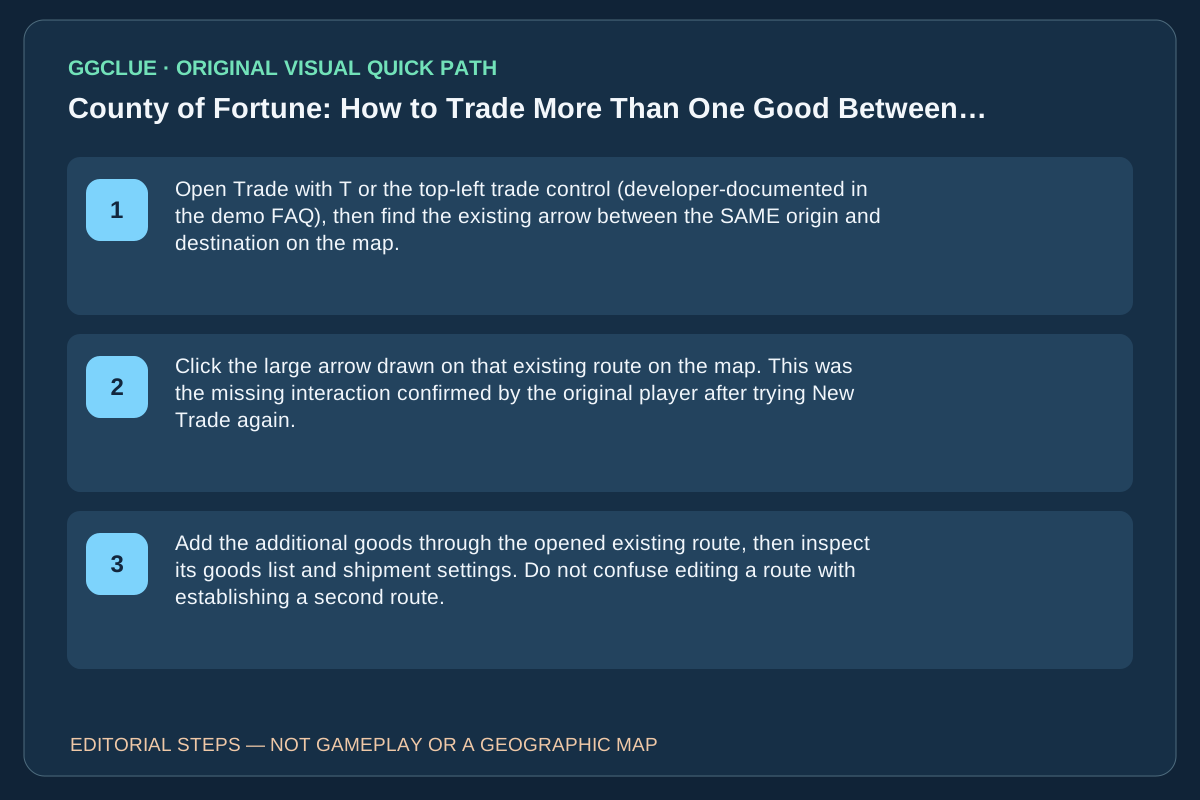
What to check: Origin region and destination region are already connected; the map displays a route arrow; after selecting that arrow, edit the goods being carried rather than the endpoints. The developer’s dated demo FAQ says to open Trade from the top-left or with T. That is only the way into the trade screen; the missing existing-route edit is confirmed separately by the player who clicked the big arrow. The June demo FAQ must not be treated as proof of every Early Access cargo control.
Source: Original question, user-confirmed answer and follow-up. The player confirmed that selecting the existing route’s large map arrow was the missing interaction. Exact labels for additional cargo settings may vary by build.
Same-task competitor comparison: create, edit, and deliver are distinct
The independent County of Fortune Trade Routes Guide covers creating a new trade connection, selecting a commodity and verifying roads, markets, production and transport capacity. Its suggestion to start with one product per route while testing is diagnostic advice for a new route, not evidence that the Early Access interface forbids a second product. The original player’s narrower follow-up confirms that clicking the large arrow on the existing connection opens its settings for another good. Both can be useful if applied to their proper stage.
| What the player sees | Correct task to attempt | How to verify success |
|---|---|---|
| No trade arrow connects the two regions | Establish a first route, with working producer surplus, markets and transport | A route arrow appears and the initial good moves |
| An arrow already connects the same pair, but New Trade refuses a duplicate | Click the existing large arrow to edit cargo and add the second good | Both goods appear on the same existing route |
| Both goods are selected but the new item never arrives | Diagnose supply, origin/receiving markets, capacity and route settings—not a missing arrow | The receiving region’s stock rises for the second good |
These are source-reported interface steps, not a tested GGClue current-build screenshot. The exact cargo-slot control text, quantities and current route capacity still need an actual before/after in-game UI capture.
Add the second item to the existing route—not a second arrow
The decisive Steam question and poster’s follow-up says the answer is to click the large arrow on the already-established map route between the two regions. That is substantially different from a generic “build a second route” guide.
Repeat the actual task: identify the same pair of regions; click its current trade arrow, inspect the route’s cargo slots, add the second good in the existing route settings, and check that assigned transport can carry it. Success is two distinct cargo types visible on that route and, after time advances, the destination’s actual count rising for the new item. If the UI shows the second item but no goods arrive, inspect surplus lamps / market maintenance, which is a different delivery problem.
The County of Fortune guide index contains broad trade content but not a verified same-question screenshot of this exact oversized arrow. Image gate: current actual map arrow, cargo UI before/after and delivered goods counter, with owned/licensed capture.