Horses of Hoofprint Bay: Auto Lessons: Where to Check Earnings
Direct answer · November 10, 2026 original-source and version check
Automatic lessons can earn money while the total balance falls because other stable expenses may be higher. Isolate lesson income in Statistics by showing only the SERVICES category, as recommended in the original Steam reply.
Jump straight to the steps ↓THE TASK
Auto Lessons: Where to Check Earnings
- 01
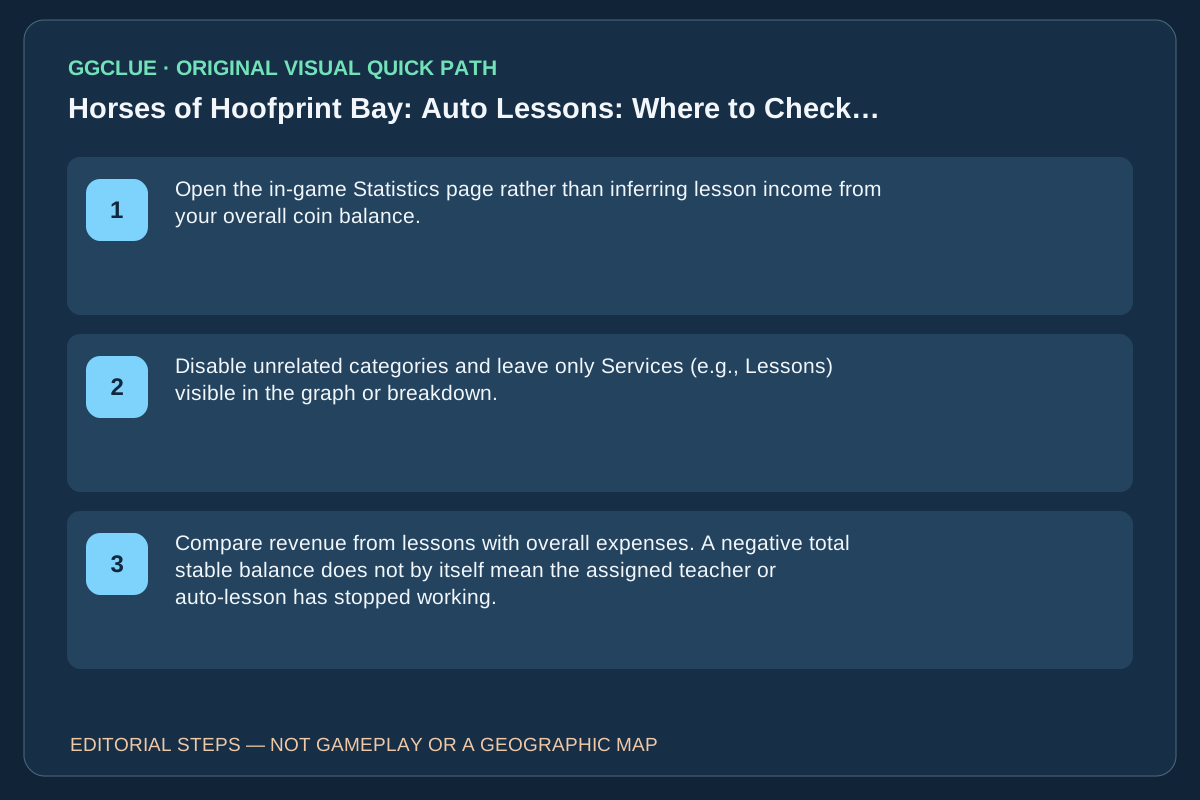
Open the in-game Statistics page rather than inferring lesson income from your overall coin balance.
- 02
Disable unrelated categories and leave only Services (e.g., Lessons) visible in the graph or breakdown.
- 03
Compare revenue from lessons with overall expenses. A negative total stable balance does not by itself mean the assigned teacher or auto-lesson has stopped working.
IMPORTANT LIMITS
What if your result is different?
This is a player diagnostic suggestion, not proof that every lesson-income complaint is just normal expenses; some reports may be genuine bugs.
EVIDENCE
Sources for Auto Lessons: Where to Check Earnings
- Original player question and replies: Auto Lessons: Where to Check Earnings
- Horses of Hoofprint Bay on Steam
Evidence and version: November 10, 2026 original-source and version check
Measure the correct category
The reply to the player explicitly recommends filtering the Statistics page to Services (e.g. Lessons). Other daily stable expenses can outweigh lesson income.
| Observation | Supported interpretation |
|---|---|
| Services/lessons shows positive income | Lessons are paying, even if the stable’s net balance falls |
| Services shows no activity | Check assignments/schedule and collect more evidence; the forum does not prove a universal fix |
| Cash balance falls | Compare all expenses before declaring auto lessons broken |
This is a diagnosis using an in-game report, not a guessed daily revenue amount.
Verify lesson revenue, not the net account balance
In the original player’s issue, automated lessons appeared to pay nothing. The decisive reply instructed checking Statistics → SERVICES (including Lessons) independently from total cash flow. Stable expenses may be higher than lesson revenue and hide it on the net balance.
Do this: note the current in-game time, apply the SERVICES category filter in Statistics, run a normal lesson period, then check whether the Lessons income line increases. Compare that with the separate Expense totals. If SERVICES stays unchanged after a confirmed completed lesson, report a real income issue; a falling overall cash balance by itself is not proof.
The publisher’s game launch Q&A discusses horse management as a general feature, but is not an independent English tutorial on the Statistics filter; do not count it as competitor parity. To certify this UI walkthrough, obtain owned/permissioned current screenshots of the SERVICES filter, completed lesson and its corresponding entry. No income amount is universally guaranteed.