PIT OF GOBLIN: Character Customization and Four Accessory Slots
Direct answer · November 10, 2026 original-source and version check
On Xbox, a player confirmed that Goblin customization is accessed AFTER pressing Start on the main menu: the customization option is on the RIGHT side of the start screen. The full 1.0 release officially introduced FOUR accessory slots.
Jump straight to the steps ↓THE TASK
Character Customization and Four Accessory Slots
- 01
From the main menu, choose Start instead of looking only for a separate standalone character editor on the first menu.
- 02
Check the right-hand portion of that start screen for the customization entry; this location was confirmed by the player who could not find the option on Xbox.
- 03
Open customization and inspect the four accessory slots documented in the official 1.0 release; exact navigation may differ on PC and PlayStation.
IMPORTANT LIMITS
What if your result is different?
The four-slot feature is official, but the exact Xbox menu placement is player reported and the PC button sequence remains unverified.
EVIDENCE
Sources for Character Customization and Four Accessory Slots
- Original player question and replies: Character Customization and Four Accessory Slots
- PIT OF GOBLIN on Steam
Evidence and version: November 10, 2026 original-source and version check
Menu path: what the forum actually resolved
The original Xbox question was answered with Start → right-hand side of the next screen → customization. The person asking confirmed this located the setting. The official 1.0 release notes independently document the updated customization system with four accessory slots.
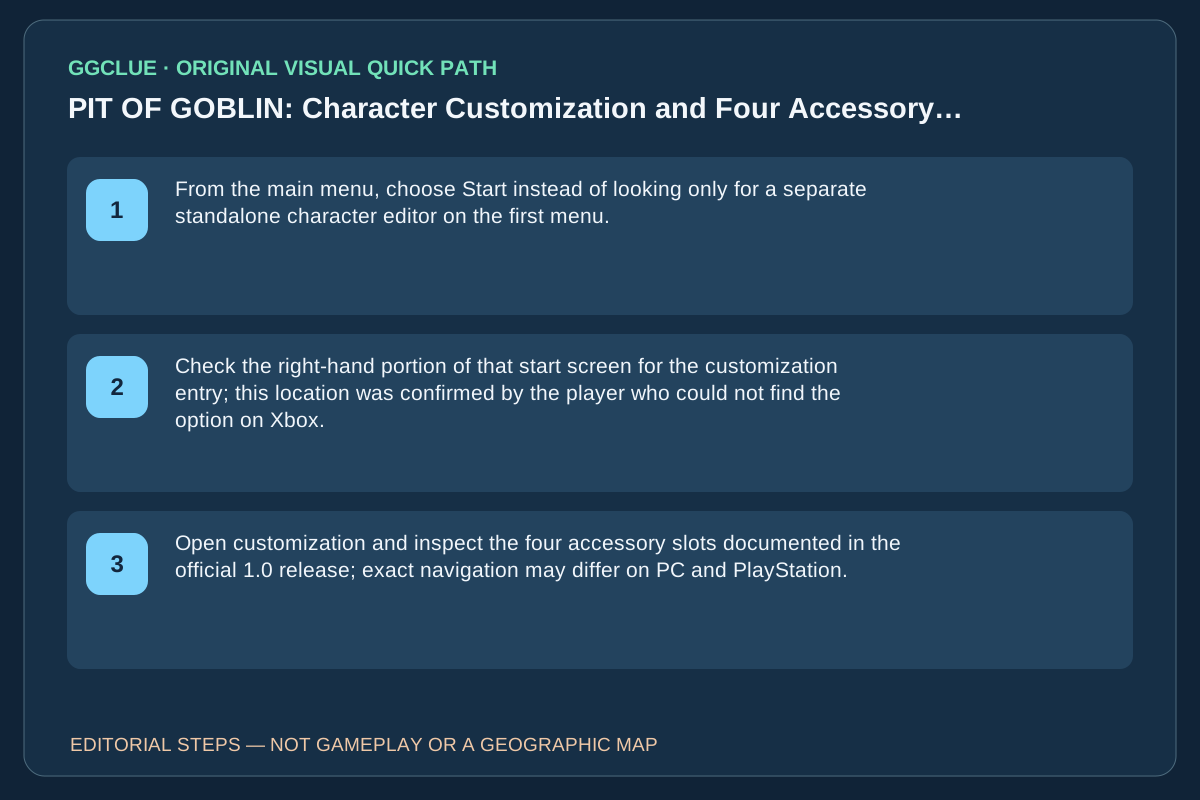
This is a menu-location answer, not a promise that every cosmetic is unlocked at launch. The specific right-side placement was confirmed on Xbox; do not assume identical controller buttons on every platform.
Start-screen placement versus accessory unlocks
The original Xbox player report answers where the customization entry lives, not how to obtain four individual accessories: press Start on the main menu, then inspect the right-hand side of the start screen for the option. The November 1.0 release separately introduced four accessory slots. An empty slot means it exists in the interface; it does not mean every cosmetic is owned or that each platform uses an identical button prompt.
Success: the customized goblin is visible in the setup screen and retains the chosen available item when you proceed. If you cannot find the entry, capture your actual platform and full-game start screen before copying an Xbox-only description to a PC/controller layout. Do not confuse the separate six-player lobby limit with customization slots.