Playrooms: Reset Room Balls Versus Respawn a Scared Sparrow
Direct answer · November 12, 2026 Nov 9 developer Help-menu verification; no GGClue gameplay capture
Reset Room Balls only resets uncollected balls in the current room; it does not claim to respawn sparrows. The developer says a frightened School sparrow should return next in-game day, but player reports conflict, so check both School locations and preserve your save.
Jump straight to the steps ↓THE TASK
Reset Room Balls Versus Respawn a Scared Sparrow
- 01
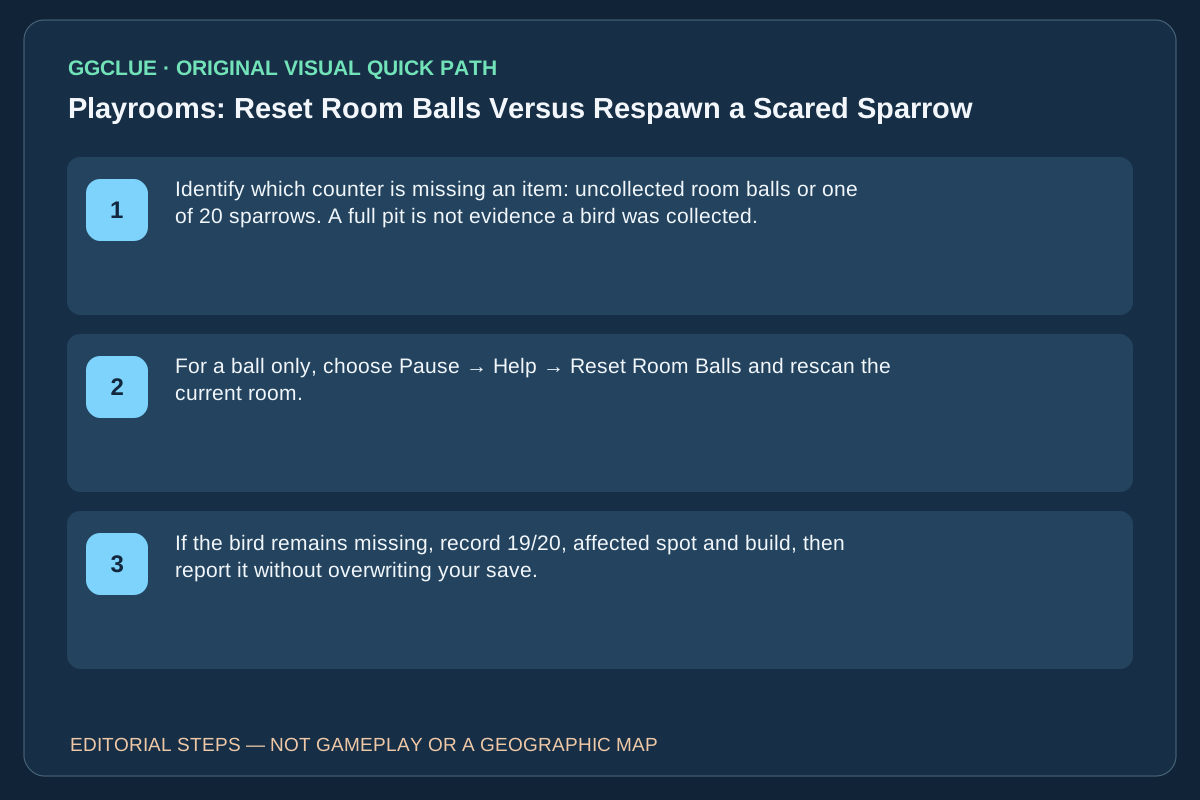
Identify which counter is missing an item: uncollected room balls or one of 20 sparrows. A full pit is not evidence a bird was collected.
- 02
For a ball only, choose Pause → Help → Reset Room Balls and rescan the current room. For a frightened School sparrow, inspect the dark classroom and red locker separately, then revisit its original spot the next in-game day.
- 03
If the bird remains missing, record 19/20, affected spot and build, then report it without overwriting your save. Do not use Restart day as a generic respawn trick; it reloads the morning checkpoint and can discard today's work.
Source-checked task schematic · Decision points
Different object, different recovery path
Source-backed editorial schematic, NOT gameplay screenshot or scale map. It is not an in-game screenshot and not a map drawn to scale.
Prerequisite
Read whether the unresolved counter is balls or sparrows before resetting anything.
Success check
Follow the system matched to the type of item that is missing.
Count says balls
Use the room ball scanner and available Reset Room Balls control
Count says sparrows
Return to the exact scare location the next in-game day
Still absent
For sparrows, a normal restart helped one player, not all
Avoid
Ball reset is not documented as a sparrow respawn trigger
IMPORTANT LIMITS
What if your result is different?
The discussions do not show that resetting balls recreates sparrows or that every missed sparrow has a persistent state bug.
EVIDENCE
Sources for Reset Room Balls Versus Respawn a Scared Sparrow
- Original player question and replies: Reset Room Balls Versus Respawn a Scared Sparrow
- Playrooms on Steam
Evidence and version: November 12, 2026 Nov 9 developer Help-menu verification; no GGClue gameplay capture
What the November 9 Help menu actually resets
First choose the correct counter: room ball count, individual Sparrow pickup, or equipment recovery. The developer’s November 9 changelog separates four Help actions. Unstuck moves the player, Reset Room Balls restores uncollected balls in the current room to initial locations, Bring devices home recalls robots/vacuums/stations to their home parking row, and Restart day loads that morning’s checkpoint with restrictions (not during prologue, night, a hunt or other blocked states). They are four different operations. Restart day can discard today’s work; do not use it as a bird-repair experiment on an irreplaceable 19/20 save.
If the room ball counter is still wrong after the November 5/6 patch, first check the relevant locker, hotel ceiling or pool floor fix, then Reset Room Balls and scan again. For the Sparrow counter, inspect the School locker versus dark classroom separately and wait a day at the actual bird’s location before checking a normal relaunch. A missing bird is not proof Reset Room Balls failed, and a full ball pit is not proof its birds were collected.
Success test: Record which counter increases and where the resulting pickup actually appears. For the page to meet the visual standard, capture the real current Help menu with all four exact labels, both HUD counters and a before/after item interaction, with original image provenance/permission. No such capture is currently owned by GGClue.