Playrooms: How to End the Game When the Exit Is Locked
Direct answer · November 10, 2026 original-source and version check
If the Playrooms final exit stays locked after clearing the objectives, inspect directly in front of the keyboard for the final key; one player reported that resolving the overlooked pickup opened the exit. Confirm the in-game exit prompt rather than assuming every locked door has this cause.
Jump straight to the steps ↓THE TASK
How to End the Game When the Exit Is Locked
- 01
Confirm the relevant collection and pit requirements are already complete rather than trying to trigger the ending in the middle of a room.
- 02
Return to the central keyboard area and look directly in front of it for the final key item.
- 03
Pick up the key and retry the exit interaction, checking whether the end sequence now begins.
Source-checked task schematic · Landmarks
Finished collecting but the exit is locked?
Source-backed editorial schematic, NOT gameplay screenshot or scale map. It is not an in-game screenshot and not a map drawn to scale.
Prerequisite
The original player had already finished the other requirements.
Success check
The player later confirmed the key location themselves.
Prerequisites
Finish the relevant collection and pit requirements
Landmark
Return to the central keyboard
Pickup
Check directly in front of the keyboard for the final key
Exit
Pick up the key and retry the door
IMPORTANT LIMITS
What if your result is different?
This resolved the original player's case, but cannot diagnose a separate ending softlock or missing-key bug in every build.
EVIDENCE
Sources for How to End the Game When the Exit Is Locked
Evidence and version: November 10, 2026 original-source and version check
Compare the normal ending route with the original player’s locked-door case
The 9Puz November 8 recorded walkthrough shows the ordinary ending sequence: fill the eighth/final pit, return to the Playroom EXIT door, and follow the long corridor into the ending. It also shows a real run ending at 8/8 ball pits with 16/20 Sparrows and 10/14 other finds; those extra collectibles are therefore not a universal prerequisite for the regular ending.
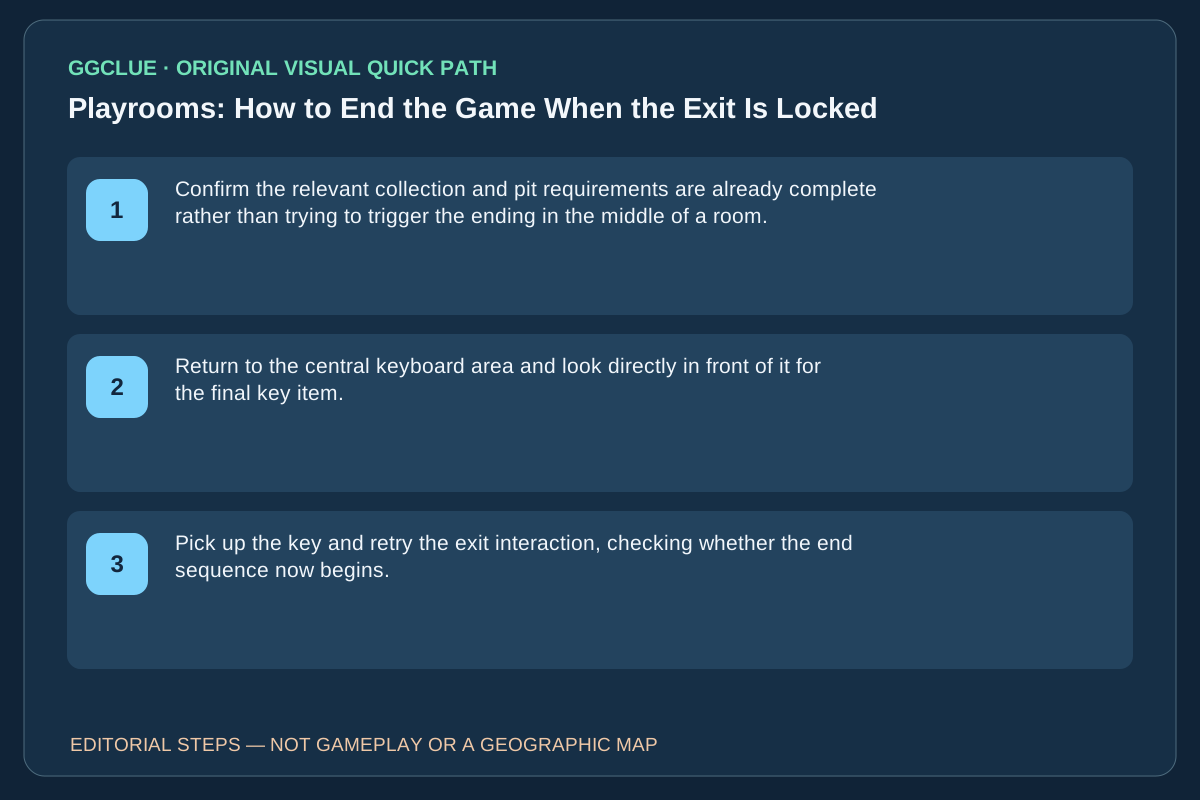
This page answers a more specific original Steam question: a player had already met their pit/collectible goals but couldn’t open the exit, then reported spotting a key in front of the keyboard. Therefore check in order: (1) the eighth pit actually reports full; (2) the Playroom exit is the expected door; (3) if the door remains locked, inspect the keyboard area and physically pick up the key; (4) test the exit again. Do not imply that everyone needs to collect 20/20 Sparrows or that every later locked EXIT must use the same key.
Completion: The EXIT opens and the ending corridor/credits begin, not merely the keyboard key being visible. Game-image gate: licensed current-version shots of 8/8 pits, keyboard/key pickup, actual door and resulting ending. The competitor’s captured frames cannot be copied into GGClue without permission.