Playrooms: Last Pool-Room Ball Missing After Reset
Direct answer · November 12, 2026 original one-ball thread versus Nov5 independent guide and Nov9 official reset
After the November 6 reachable-ball fix and November 9 Help patch, use the scanner before repeatedly resetting; inspect the Poolroom wall suction vent and, if reachable, try the small deployable ball vacuum (not a Roomba). Reset Room Balls only repositions uncollected balls. Confirm a real pickup increases the pit counter.
Jump straight to the steps ↓THE TASK
Last Pool-Room Ball Missing After Reset
- 01
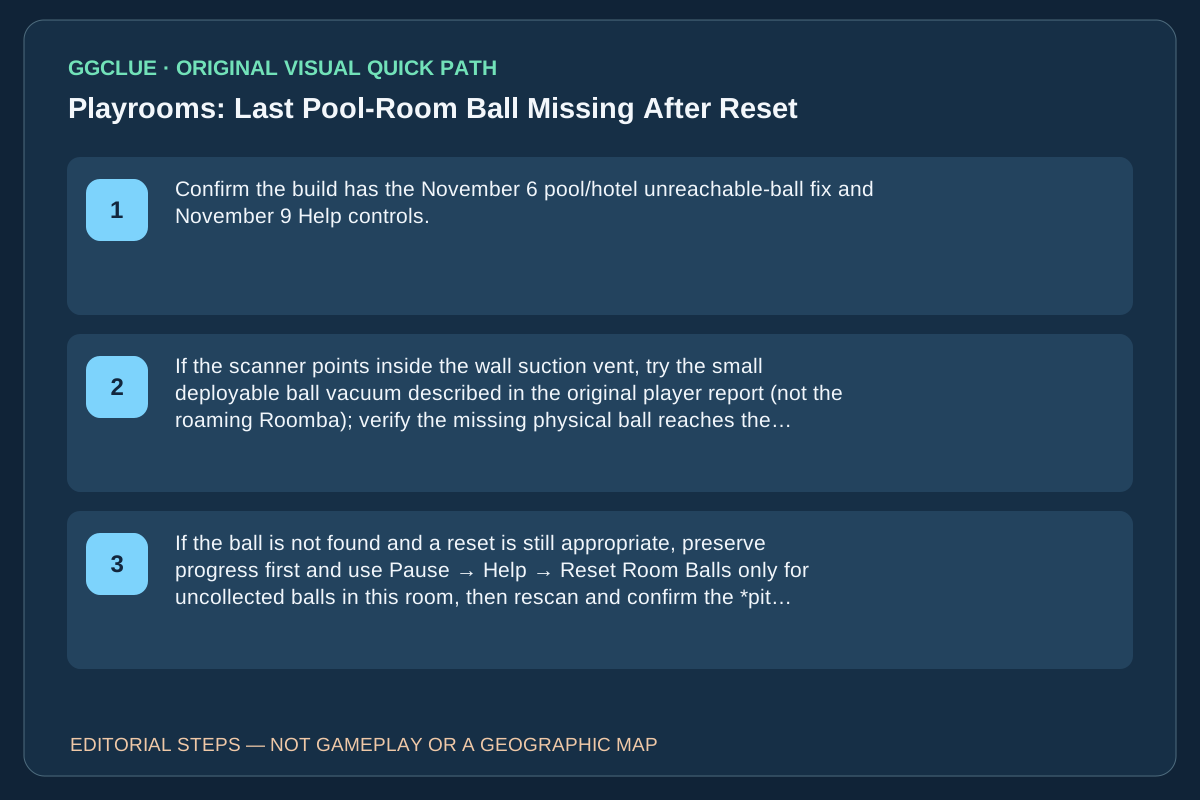
Confirm the build has the November 6 pool/hotel unreachable-ball fix and November 9 Help controls. Before changing room state, read the remaining Poolroom count and follow your scanner toward the suction vent, pool lip and tiled corners.
- 02
If the scanner points inside the wall suction vent, try the small deployable ball vacuum described in the original player report (not the roaming Roomba); verify the missing physical ball reaches the pit.
- 03
If the ball is not found and a reset is still appropriate, preserve progress first and use Pause → Help → Reset Room Balls only for uncollected balls in this room, then rescan and confirm the *pit counter actually changes*. If the result stays wrong, report the build and counter rather than repeating resets blindly.
Source-checked task schematic · Decision points
Last pool ball: an evidence-based search order
Source-backed editorial schematic, NOT gameplay screenshot or scale map. It is not an in-game screenshot and not a map drawn to scale.
Prerequisite
This is for a missing ball in the pool room, not a missing sparrow.
Success check
Success requires the missing ball to reach the pit and its count to increase; scanning a vent alone is not completion.
Locate
Use ball scanner before repeated room resets
Inspect
Check the wall suction vent and tight gaps
Reach
If available, try the deployable vacuum near trapped balls
Verify
Confirm the actual pool-room pit counter increases after pickup
IMPORTANT LIMITS
What if your result is different?
The November 6 patch corrected specific unreachable-ball cases; the original author's missing pool ball was not independently reproduced by GGClue.
EVIDENCE
Sources for Last Pool-Room Ball Missing After Reset
Evidence and version: November 12, 2026 original one-ball thread versus Nov5 independent guide and Nov9 official reset
Adversarial comparison: why repeating Reset Room Balls may waste time
The independent Poolroom room guide and November 5 stuck-balls guide suggest checking seams with the handheld vacuum and using a room reload before reset. The older guide additionally warns that resetting can lose pit progress. Those pages predate the official November 9 Help-menu patch. The developer now describes Reset Room Balls as moving uncollected balls in the current room back to their initial locations; it does not authorize claiming that every earlier reset data-loss anecdote still applies, or that every wall-clipped ball is necessarily recovered.
The specific Steam player case here is narrower: the player had already reset repeatedly while one ball stayed missing; one respondent found balls in the wall suction vent and retrieved them using a small deployable ball vacuum, not the Roomba. So the decision order for this exact task is scanner → vent inspection → targeted small vacuum → confirm pit count; a further room reset is a conditional later step, never the success condition by itself. Neither generic independent guide contains the precise current-build vent/counter success image.
Capture acceptance: a lawful unaltered current-build shot of 1 ball remaining, live scanner indicator at the Poolroom vent, the actual deployable vacuum/pickup, and a changed counter. Old guide photos and developer patch text are not reusable proof of this exact save state.
Version note: fixed stuck balls versus an unfound ball
The developer’s November 6 patch notice states that stuck balls in the hotel and pool room now lie on reachable floors. The November 9 patch documents Reset Room Balls in Pause → Help. If your game is already updated but you still have one missing ball, the original Steam player thread offers scanner/vent-specific search clues; it does not prove a universal spawn bug. GGClue has no licensed capture of that pool vent or scanner reticle.
Diagnose the exact missing-ball state, not just the room name
The developer November 5/6 fixes moved certain previously inaccessible Poolroom and Hotel balls onto reachable floors and fixed school/hotel-specific placements. Those fixes matter only when the ball was actually in a defective position; they do not prove a hidden ball was deleted. On an up-to-date game, follow this branch:
- One ball still on the counter, scanner highlights wall/vent: inspect that wall and suction vent, then try the small deployable ball vacuum if your tool progression allows it. The original player’s replies reported this tactic, but it was not guaranteed.
- Room inventory is scattered after a failed search: Pause → Help → Reset Room Balls returns uncollected balls in this room to starting positions; rescan the new positions and check the pit counter after delivery.
- Machine or robot stuck in a wall instead: use the separate Bring devices home action. It does not reset balls; using the wrong reset wastes time.
The independent Poolroom room guide is useful for normal movement/collection, but it is not an independent proof of the original player’s one-ball bug. Success is the missing ball actually collected and registered toward the pit, rather than the scanner displaying a plausible position. Real screenshots must show the remaining-ball counter, scanner pointer at the vent, actual vacuum placement and updated pit count; none is rights-cleared here.