Playrooms: Robot Vacuum Stuck in Wall or Shaft
Direct answer · November 10, 2026 original-source and version check
For Playrooms after the official November 9, 2026 equipment patch, open Pause → Help → Bring devices home. The developer says this recalls robots, stations and ball vacuums to the parking row in the starting room, with robots docking automatically. This is the preferred recovery for a vacuum trapped in a wall or shaft; Reset Room Balls does not do the same job.
Jump straight to the steps ↓THE TASK
Robot Vacuum Stuck in Wall or Shaft
- 01
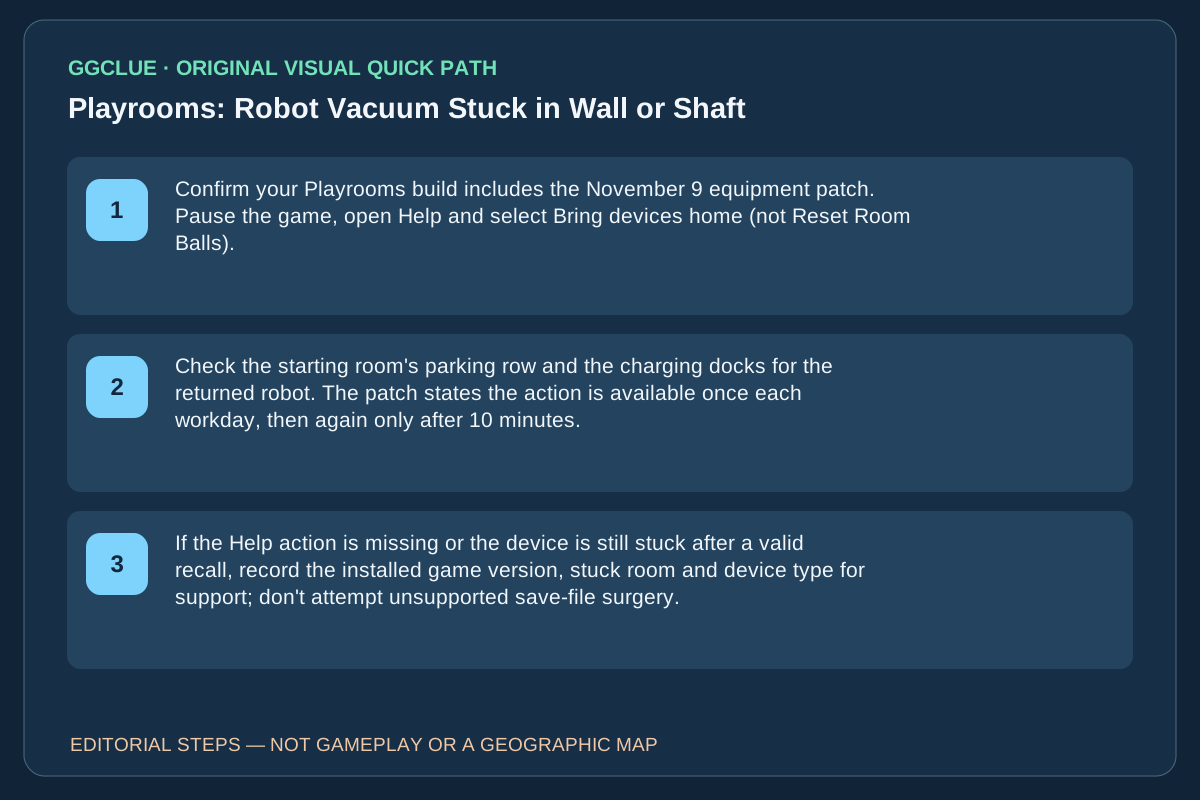
Confirm your Playrooms build includes the November 9 equipment patch. Pause the game, open Help and select Bring devices home (not Reset Room Balls).
- 02
Check the starting room's parking row and the charging docks for the returned robot. The patch states the action is available once each workday, then again only after 10 minutes.
- 03
If the Help action is missing or the device is still stuck after a valid recall, record the installed game version, stuck room and device type for support; don't attempt unsupported save-file surgery.
Source-checked task schematic · Decision points
Robot stuck: official Help recall versus a ball reset
Source-backed editorial schematic, NOT gameplay screenshot or scale map. It is not an in-game screenshot and not a map drawn to scale.
Prerequisite
The November 9 developer update explicitly added Bring devices home in Pause → Help; verify the option exists in your build.
Success check
The trapped robot appears in the starting-room parking row and docks; the actual device must be usable.
Identify
Confirm it is a placed autonomous robot, not a loose ball
Check
Pause → Help → Bring devices home (Nov 9 update)
Do not
Reset Room Balls moves loose balls, not robots
Report
Check the parking row; report a missing robot if it did not return
IMPORTANT LIMITS
What if your result is different?
This is a developer-announced November 9 command, not a GGClue firsthand capture. The published cooldown applies; the patch does not promise repair for every corruption or subsequent build.
EVIDENCE
Sources for Robot Vacuum Stuck in Wall or Shaft
Evidence and version: November 10, 2026 original-source and version check
What changed on November 9?
The official update text archived in SteamDB introduces Bring devices home in the Pause-menu Help list. It returns robots, stations and ball vacuums to their parking row. It is not Reset Room Balls, which repositions loose balls, nor Unstuck, which moves the player character. The earlier Steam commenter who moved a dock near the wall and grabbed the robot through geometry was describing a pre-patch workaround. No current game UI screenshot has been captured or licensed by GGClue.
Devices-home cooldown and what success actually looks like
In the November 9 developer patch, Bring devices home in Pause → Help returns robots, stations and ball vacuums to the starting-room parking row; robots dock automatically. The patch specifies one use per working day, then another after ten minutes. That is not a promise of instant repeated recall after every menu open.
Steps: Confirm that this Help option exists in the installed build. Choose Bring devices home, visit the parking row, and verify the specific trapped machine is actually back and usable. If the action is unavailable, check the described daily/cooldown condition before assuming a permanent robot loss. Do not select Restart day simply to recover a machine; that loads the morning checkpoint and risks today’s work.
Competing task boundary: Generic stuck-ball walkthroughs address loose balls, not machine collision/recall. There is no licensed GGClue in-game recording of a robot docking after retrieval. Screenshot acceptance requires current build, trapped unit, actual Help label, cooldown availability and returned/docked unit.