ZED ZONE: How to Take Cooked Food From the Campfire
Direct answer · November 10, 2026 original-source and version check
A player reply says cooked food appears in the campfire's output slot. The confusing part is that the cooking interaction and output may not become accessible until the campfire is lit.
Jump straight to the steps ↓THE TASK
How to Take Cooked Food From the Campfire
- 01
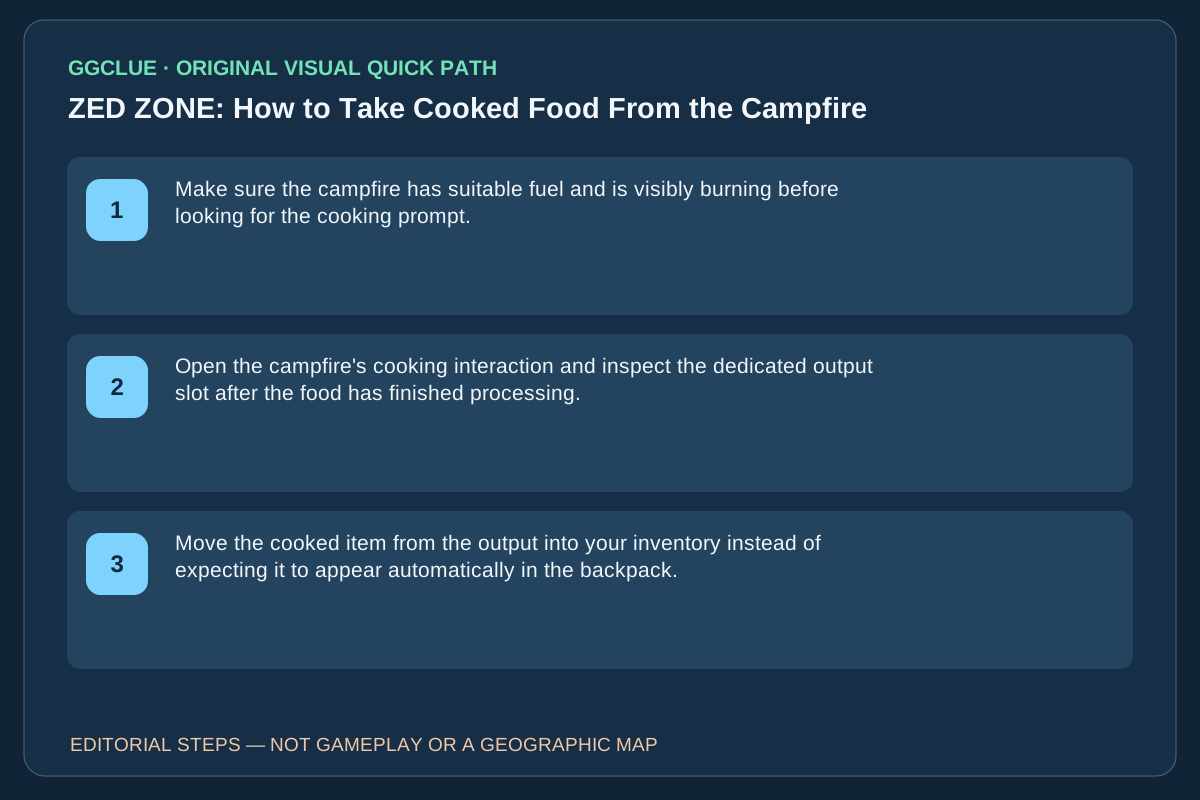
Make sure the campfire has suitable fuel and is visibly burning before looking for the cooking prompt.
- 02
Open the campfire's cooking interaction and inspect the dedicated output slot after the food has finished processing.
- 03
Move the cooked item from the output into your inventory instead of expecting it to appear automatically in the backpack.
Source-checked task schematic · Sequence
Cooked food: output slot is not automatic inventory
Source-backed editorial schematic, NOT gameplay screenshot or scale map. It is not an in-game screenshot and not a map drawn to scale.
Open the specific source evidence ↗
Prerequisite
Player discussion identifies the campfire state and its output slot as the confusing step.
Success check
The cooked food is visible in inventory after moving it out of output.
Start fire
Fuel and ignite the campfire before trying to open a cooking interaction
Cook
Use the cooking interface and wait for the item to finish
Output
Find the cooked item in the dedicated campfire output slot
Move item
Take the finished food into character inventory manually
IMPORTANT LIMITS
What if your result is different?
The need for the fire to be ignited before accessing output is a current player observation, not an officially published UI fix.
EVIDENCE
Sources for How to Take Cooked Food From the Campfire
Evidence and version: November 10, 2026 original-source and version check
Cooked but missing: inspect the campfire’s output before the backpack
The original player says the finished item remains in an output slot and that the cooking interaction can be hard to reach until the campfire is already lit. Check which failure you actually have: no cooking prompt, no cooked product yet, or finished product sitting in output. The November 10 v1.0.13 patch includes a cross-level campfire visual/audio display fix, not a documented change to this cooked-food output behavior.
Success: the finished food is moved from the campfire output into your own inventory. A visible fire effect alone does not prove the cooking action finished, and the player reply is not an official promise that the same controls work in every future patch. If your output is still empty, record the input item, fire state and installed build rather than asserting a known drop bug.