ZED ZONE: Map Backup Restore Failed When Loading Save
Direct answer · November 13, 2026 historic map-corruption patch versus v1.0.15; exact restore not verified
For the exact “Map backup restore failed” error, quit and preserve the original saves before trying anything. The developer’s earlier 0.9.96 patch added a map-corruption notice and a way back to the main menu to use a backup, but v1.0.14/v1.0.15 addressed other issues, not this map-backup restore error. No patch guarantees recovery of the affected original map.
Jump straight to the steps ↓THE TASK
Map Backup Restore Failed When Loading Save
- 01
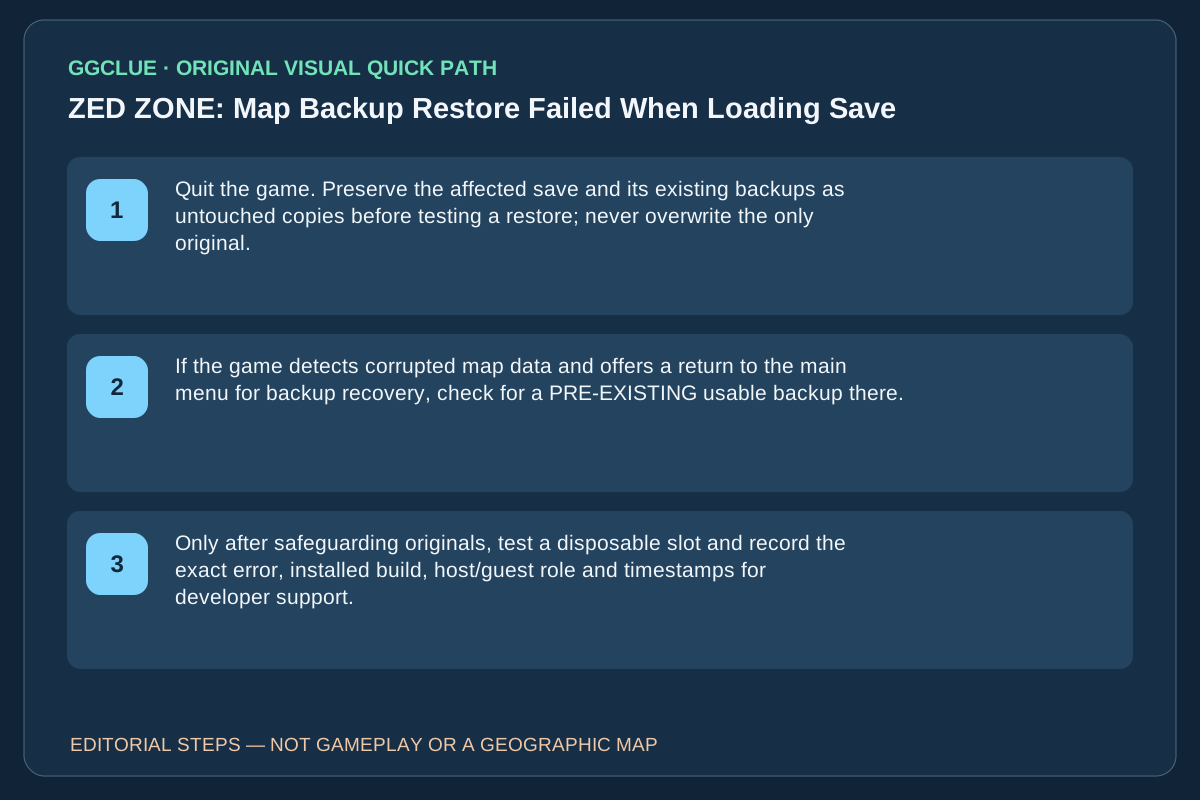
Quit the game. Preserve the affected save and its existing backups as untouched copies before testing a restore; never overwrite the only original.
- 02
If the game detects corrupted map data and offers a return to the main menu for backup recovery, check for a PRE-EXISTING usable backup there. This historical 0.9.96 behavior is not a confirmed repair for the literal restore-failed message. Do not import an unknown archive.
- 03
Only after safeguarding originals, test a disposable slot and record the exact error, installed build, host/guest role and timestamps for developer support. Success means the ORIGINAL world and progress genuinely load, not simply that a new game works.
IMPORTANT LIMITS
What if your result is different?
Patch v1.0.12 retries temporarily locked save folders, v1.0.14 fixes a separate '[Save Data Issue]' rollback, and v1.0.15 fixes some slow-save transport departure timeouts. None explicitly fixes the literal map-backup restore error; do not delete or overwrite the original save.
EVIDENCE
Sources for Map Backup Restore Failed When Loading Save
Evidence and version: November 13, 2026 historic map-corruption patch versus v1.0.15; exact restore not verified
First: distinguish a corrupted map from a failed backup restore
The August 29 Beta 0.9.96 developer notes describe map corruption after an outage or improper shutdown: the game was updated to warn rather than silently regenerate terrain, with a path back to the main menu to use an existing backup. That helps explain why there may be a backup-related prompt in ZED ZONE. But it does not say the later literal error “Map backup restore failed. Loading was stopped” is repaired by pressing a button, and the original player said the problem also affected fresh saves. Do not confuse (a) detecting map corruption, (b) selecting a known good backup and (c) restoring one successfully. If the original save or backup is the only copy, keep it intact and ask the developer to review the exact error before any destructive operation.
Why the later save patch is not this fix
The official November 10 v1.0.14 announcement addresses character progression rolling back after a [Save Data Issue] message. The original player reported Map backup restore failed even after creating a new save. Those are not established as the same error; successful loading of a disposable new slot is not proof the old map was recovered.
November 11 v1.0.15 is a different save-related fix
The developer’s November 11 v1.0.15 notes fix boats, trains and facility elevators failing to depart when a slow save timed out. That relates to transport after saving, not recovery from the literal Map backup restore failed error at load. Treat the exact error message as the deciding evidence. On v1.0.15, first preserve the only copy of your affected save, then test a disposable slot separately and send the failure text/build through official support. Do not rename, overwrite, delete or import unknown save archives on the assumption this patch is a universal map repair.