ZED ZONE: How to Build a Roof Over Your Base
Direct answer · November 12, 2026 official 1.0.10/1.0.12 roofs versus independent base-building guide
ZED ZONE v1.0.10 (November 7) introduced Simple voxel building mode with distinct Walls, Floors, Roofs and Stairs options. The November 9 v1.0.12 patch separately fixed roof display and added automatic openings above stairs. On 1.0.12+, select Roof in Simple mode, check the roof-hide display setting, then distinguish a blocked upper-level opening from a rendering issue.
Jump straight to the steps ↓THE TASK
How to Build a Roof Over Your Base
- 01
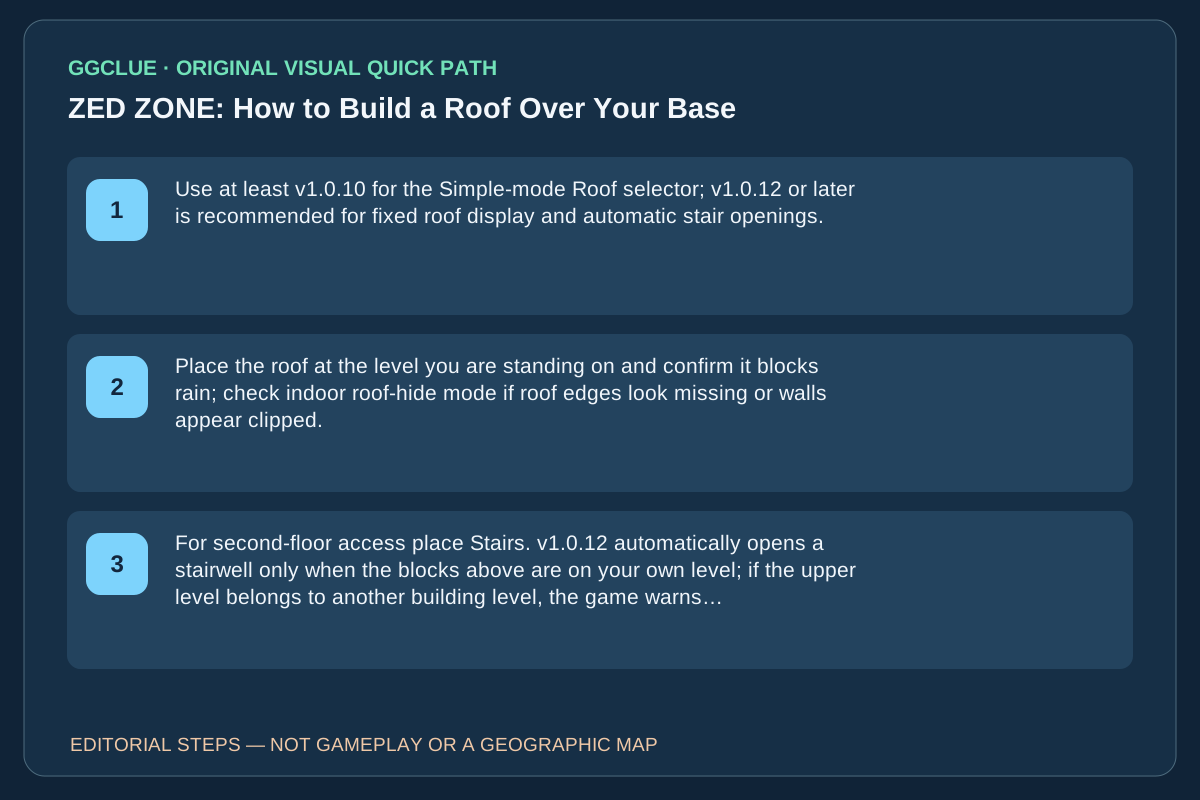
Use at least v1.0.10 for the Simple-mode Roof selector; v1.0.12 or later is recommended for fixed roof display and automatic stair openings. Walk to the floor you want to build on, choose Roof on the Simple top bar, and reserve Advanced for finer controls.
- 02
Place the roof at the level you are standing on and confirm it blocks rain; check indoor roof-hide mode if roof edges look missing or walls appear clipped.
- 03
For second-floor access place Stairs. v1.0.12 automatically opens a stairwell only when the blocks above are on your own level; if the upper level belongs to another building level, the game warns instead of deleting them.
Source-checked task schematic · Decision points
Roof building: check the updated build mode first
Source-backed editorial schematic, NOT gameplay screenshot or scale map. It is not an in-game screenshot and not a map drawn to scale.
Open the specific source evidence ↗
Prerequisite
A player asked how to put a roof over their base; replies described different UI states during the rapidly patched 1.0 release.
Success check
Roof/ceiling piece successfully snaps over the ground floor using the current supported build mode.
Find mode
Open construction menu; first look for a dedicated Roof mode
If absent
On some earlier builds, players used a second-level floor as a ceiling
Check placement
Verify game support and a valid placement indicator before building out
Version check
An update changed wall, floor, stair and roof mode selection; use the interface present in your build
IMPORTANT LIMITS
What if your result is different?
The early Steam thread confirms a building-mode change, and the official patch confirms rendering/automatic openings; neither proves every structural requirement or exact current key binding in a GGClue-tested build.
EVIDENCE
Sources for How to Build a Roof Over Your Base
Evidence and version: November 12, 2026 official 1.0.10/1.0.12 roofs versus independent base-building guide
1.0.12 roof and stair behaviour
The November 9 1.0.12 developer patch fixes several visible roof edges, upper-floor walls and automatic openings above stairs. November 10 1.0.13 addresses additional display/co-op problems but does not replace roof placement with a different named mode. This makes the original player’s first ‘place a floor on the second level’ suggestion historical, not the only current option. GGClue has not captured the current Roof-mode selector or a version-labeled before/after building screenshot.
Same-task English comparator: roof placement versus old indoor rule
The independent ZedZones 1.0 base-building walkthrough addresses building a second storey, stairs and roof, but it mixes an older four-wall, closed-door indoor-room rule with base-building advice. In contrast, the November 7 official v1.0.10 patch explicitly says a roof above your character now keeps rain off, without first requiring all four sides and a closed door. That is a rain-protection outcome, not proof that every crafting station’s indoor flag has identical requirements. Do not impose an older enclosure test as a prerequisite for simply placing a roof.
The same official v1.0.10 note says Simple mode builds on the level where you are standing: go up your stairs before placing second-storey blocks, choose Roof on the top bar, drag/place the roof, then stand underneath and check that rain no longer reaches you. Advanced is the alternative finer-control mode. The independent site mentions legacy layer controls (such as Ctrl + mouse wheel); GGClue has not reproduced that binding in a current build, so do not treat it as mandatory for Simple mode.
If the roof vanishes only when standing indoors, check the roof-hide display behavior before concluding that it failed to place. The v1.0.12 patch separately fixed roof edges, upper walls and stairwell auto-openings. A usable current screenshot set must show Simple → Roof selection, the player’s current floor, placed roof from outside, sheltered/rain state inside, and accessible stair opening; the competitor’s pictures are not licensed GGClue gameplay evidence.
Important correction: the Roof selector predates v1.0.12
The developer introduced Simple mode in the November 7 v1.0.10 patch, explicitly offering wall, floor, roof and stair placement. The November 9 v1.0.12 patch addressed roof rendering and automatic stair openings, not the initial creation of the Roof selector. These two releases serve different player problems; a guide that merges them into one update gives the wrong troubleshooting sequence.