ZED ZONE: Ultrawide 5120x1440: UI Too Large
Direct answer · November 10, 2026 original-source and version check
At 5120×1440, update to v1.0.14 or later, retest the affected panels, and check again after restarting. v1.0.13 fixed selected ultrawide UI cases with integer scaling enabled; v1.0.14 fixed integer scaling after restart. Neither guarantees every 32:9 setup.
Jump straight to the steps ↓THE TASK
Ultrawide 5120x1440: UI Too Large
- 01
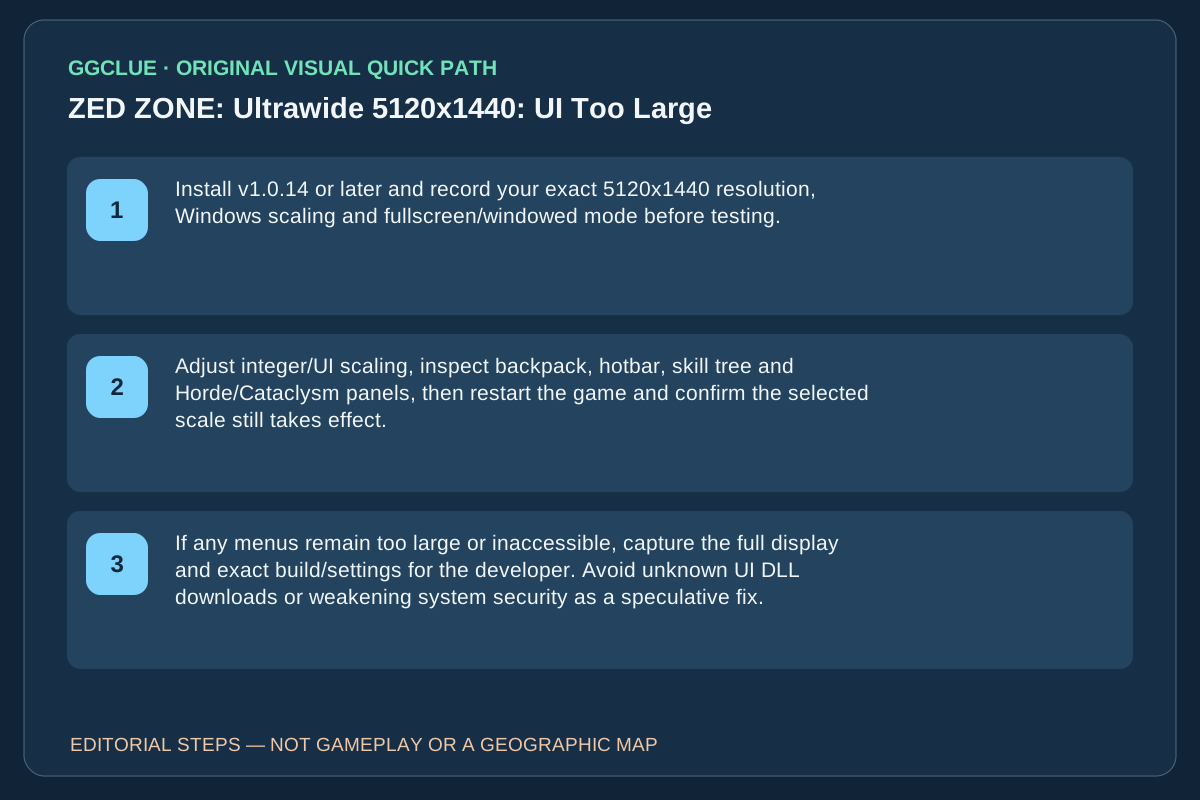
Install v1.0.14 or later and record your exact 5120x1440 resolution, Windows scaling and fullscreen/windowed mode before testing.
- 02
Adjust integer/UI scaling, inspect backpack, hotbar, skill tree and Horde/Cataclysm panels, then restart the game and confirm the selected scale still takes effect.
- 03
If any menus remain too large or inaccessible, capture the full display and exact build/settings for the developer. Avoid unknown UI DLL downloads or weakening system security as a speculative fix.
IMPORTANT LIMITS
What if your result is different?
v1.0.13 fixed selected ultrawide UI cases and v1.0.14 fixed scaling after restart, but neither guarantees a universal 32:9 cure. GGClue has not tested this monitor.
EVIDENCE
Sources for Ultrawide 5120x1440: UI Too Large
Evidence and version: November 10, 2026 original-source and version check
Current build correction: v1.0.13 and v1.0.14
The developer’s 1.0.13 patch notes explicitly address the oversized ultrawide UI when integer scaling is enabled, as well as overlapping hotbar and mode panels. The original 5120x1440 Steam thread was posted before that fix. Do not describe the original symptoms as universally unfixed on the November 10 build. Recheck 32:9 in the installed version; the patch does not establish that every panel or monitor mode has been fixed. Official November 10 v1.0.14 notes separately say integer scaling now applies after restarting. Retest before and after restart rather than treating v1.0.13 as the last relevant UI fix. GGClue has no rights-cleared screenshot of the before/after screen.